Cryptarithm
Practises
- Written +, −, × and ÷: place value, carrying
- Letter puzzles: logic and elimination
Good for
Quiet practice, homework, early finishers.
Play Cryptarithm CryptarithmPlay
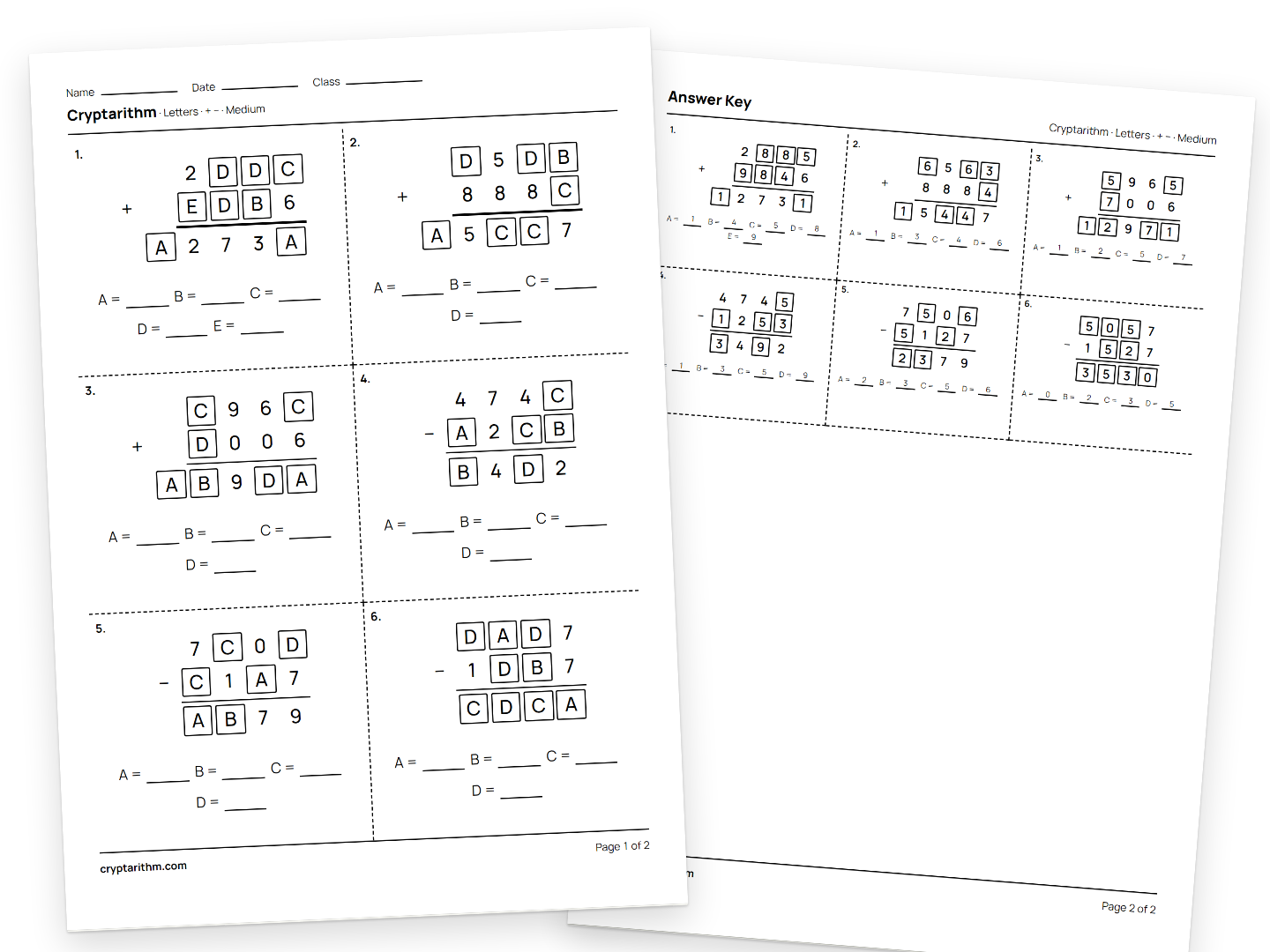
Make a worksheet with an answer key in seconds. No account needed.
Practises
Good for
Quiet practice, homework, early finishers.
Play CryptarithmPractises
Good for
A five-minute board warm-up, or pairs and groups.
Play All TenPractises
Good for
Early finishers. 3 × 3 up to 10 × 10.
Play KakuroPractises
Good for
Early finishers and quiet practice. Addition only for beginners; 3 × 3 up to 9 × 9.
Play CalcudokuQuick presets
Project one All Ten puzzle. The numbers nobody reaches lead into the lesson.
Print the same sheet at two or three settings, so everyone works at their own level.
Keep a few 3 × 3 or 4 × 4 Kakuro grids ready. Students check them with the key.
Same sheet for every team. First to finish with all answers right wins.
Share to Classroom: no accounts, students play in their browser. Or print.
No grade levels. Start at the top; move down when it feels easy.
| Comfort level | Cryptarithm | All Ten | Kakuro | Calcudoku |
|---|---|---|---|---|
| Just starting | Digits · + or − · Easy | 1 to 5, + and − only | 3 × 3 or 4 × 4 | 4 × 4 · Easy · + only |
| Comfortable | Letters · + and − · Medium, or Digits · × and ÷ | All ten, four operations | 4 × 4 or 6 × 6 | 5 × 5 or 6 × 6 · Medium · + and − |
| Ready for a challenge | Letters · × and ÷ · Hard | All ten with brackets, then Daily Challenge | 8 × 8 or 10 × 10 | 7 × 7 to 9 × 9 · Hard · all four operations |
Four A4 sheets, ready to print.
Free, no accounts for you or your students.
No. There are no accounts and answers are never recorded. See the Privacy page.
Yes for Cryptarithm, Kakuro and Calcudoku, on the last page. All Ten has none: a target can be made several ways.
Cryptarithm: up to 12 a page, 60 in all. Kakuro: 12 grids at 3 × 3 and 4 × 4, 2 at 10 × 10. Calcudoku: 12 grids at 3 × 3 and 4 × 4, 2 at 9 × 9.
Yes. Any modern browser, nothing to install. Project it or post the link in Google Classroom.
English, Chinese, Indonesian, Korean, Japanese, Spanish and Portuguese. Switch in the footer.
Rarely. Cryptarithm and Kakuro are generated fresh; All Ten has 351 sets.
Missing a puzzle type or size? Email us; it decides what we build next.
Email feedback@cryptarithm.com